From continent to tavern room, without a single scene switch.
Feature Overview
See the whole table
 Coming soon
INested Maps
One map.
Every scale.
Scroll from the continent into a city, through the tavern door and down to a single room. The party travels with you. No scene switching, ever.
Found only in Divine
IIThe Codex
Every thread, connected.
NPCs, places, factions, relics and prophecies, linked the way your world really works. Drag it, then open any entry.
A live piece of the Divine codex, running right here.
IIIStudio
Forge your own system.
Character sheets, rules, resources, dice, calendars and themes, with a live preview. Test it before it ever reaches the table. No code required.
IVThe Library
Your lore, bound and shelved.
Journals, letters and tomes that live inside your world, handed to players when they find them. This one is real. Open it.
Grab a page corner, or use the arrows.
VLight & Vision
See only what they see.
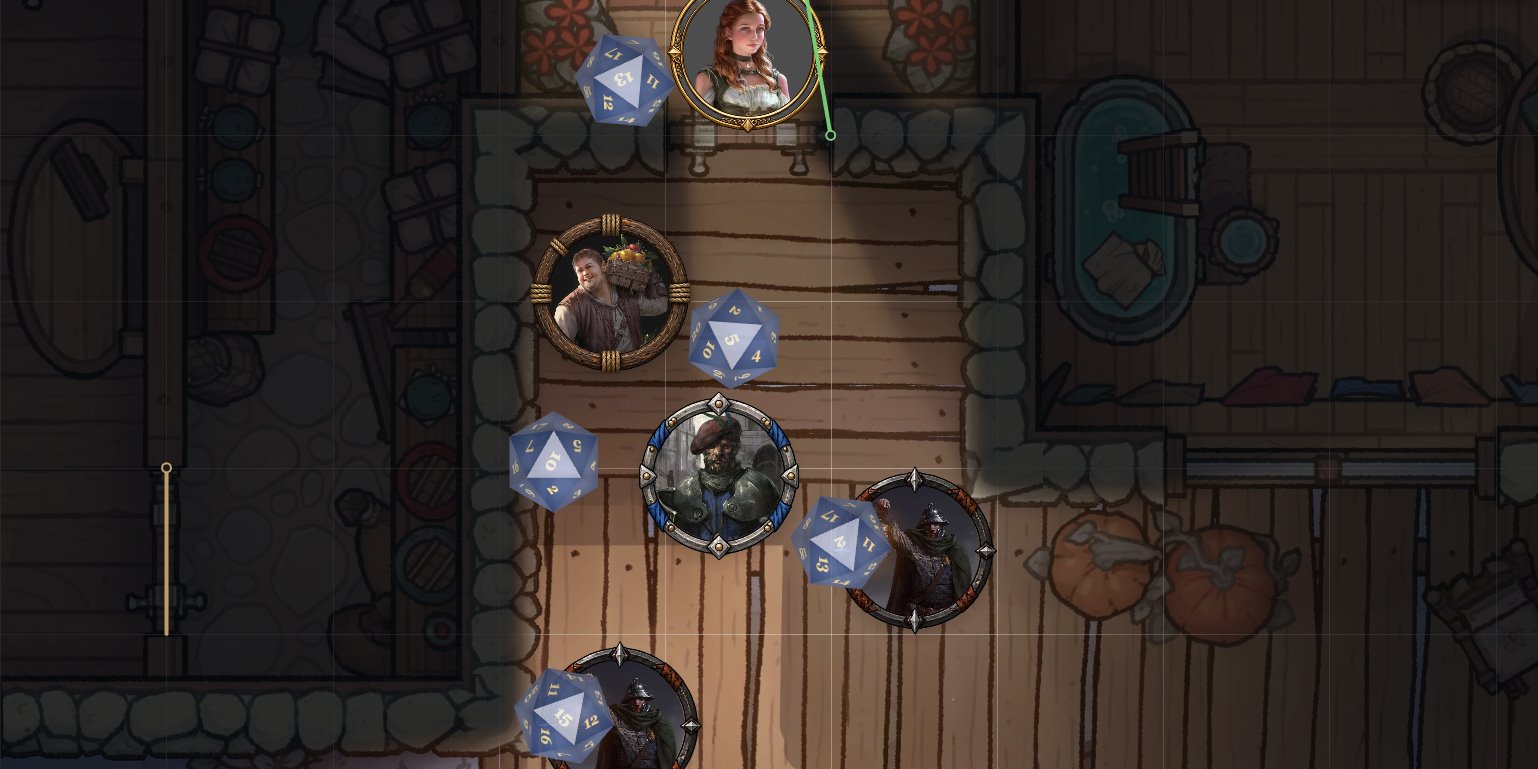
Our own 2D light engine: walls that block sight, torches that flicker, fog that remembers where you have been. Take the token and walk through the house.
For developers
Build a pack.
A pack is a pack.json manifest plus JSON facets and an optional script, the same format Studio, your server and ours all load.
-
System packs
A full ruleset: sheets, dice, conditions, calendar, currency. One system per world.
pack.jsonJSON { "id": "forged-in-the-dark", "role": "system", "facets": { "characterSheet": 4, "dice": 1 } } -
Content packs
Adds sheets, skills or catalogs onto a system, no code required.
pack.jsonJSON { "id": "dnd5e-advanced-skills", "role": "module", "extends": "dnd5e-forgotten-realms", "facets": { "skills": 1 } } -
Automation
Scripts that hook into events and act with the permissions they declare.
pack.jsonJSON { "id": "dnd5e-automation", "role": "module", "script": "./main.js", "permissions": ["read-world"] }
VIThe Armoury
Everything a table needs.
-
i
3D dice
Physics dice, private rolls, and attack cards that resolve against tokens.
- Physics-driven dice that land on the map
- Private rolls and GM-only rolls
- Attack cards that resolve against targeted tokens
- Dice styled per game system in Studio
-
ii
Safe by design
Community modules run sandboxed and declare their permissions. You review them, and again whenever they change.
- Every community module runs sandboxed by default
- Modules declare the permissions they need
- GMs review them before enabling, and again when they change
- Admin-reviewed modules can earn broader access
Only in Divine
-
iii
Visual module creator
Build modules with visual editors, drop into scripting when you need to, then package and share them.
- Visual editors for most behaviour, no code required
- Scripting for the advanced cases
- Build for one rules system or across all of them
- Package, import and export to share with others
Only in Divine
-
iv
Connected campaigns
Several tables in one living world, sharing only what you choose: time, loot, doors, discoveries, quests.
- Share time, loot, doors, discoveries, quests and memories
- Choose per campaign what synchronizes
- Parties can share a chest yet discover it separately
- Incoming shared pins stay hidden until the GM reveals them
Only in Divine
-
v
Import from anything
Bring your maps, sheets and content with you instead of starting over.
- Universal VTT maps (.dd2vtt, .uvtt) with walls, doors and lights
- Foundry scene files
- Maps, sheets and content, so nothing starts from zero
-
vi
Spatial audio
Sounds live in the world and respond to where characters stand and which walls are between.
- Sounds placed in the world, not on a playlist
- Volume follows where each character stands
- Walls between you and the source muffle it
-
vii
Floors & variants
Multi-floor buildings and alternate states of a location, switched live during play.
- Multi-floor buildings you move between during play
- Alternate states of a place: burned, flooded, occupied
- Switch a variant live and every player sees it
-
viii
Calendars & time
Your setting's own calendar and timeline, with campaign time the GM advances. Connected tables share the clock.
- Your setting's own months, weeks and holidays
- A timeline of dated events
- Campaign time the GM advances
- Connected campaigns share one clock
What is Divine VTT?
A virtual tabletop with connected worldbuilding tools. Build your setting, organize its maps and lore, and run campaigns inside it.
How do nested maps work?
Scroll to zoom into subregions, from a world map into a city, then a building or individual room. Zoom back out to return to the surrounding area.
Can multiple groups play in the same world?
Yes. Campaigns can remain independent or connect to share selected parts of their live world state.
What can connected campaigns share?
Time, container contents, doors, discoveries, props placed during play, drawings, pins, codex reveals, quests, memories, and selected chat messages. You choose what synchronizes.
Will connected campaigns reveal spoilers to other parties?
You control discovery and knowledge sharing separately. Parties can share a chest's contents while discovering its hiding place independently. Incoming shared pins can remain hidden until the GM reveals them.
Can I create my own game system?
Yes. Studio lets you build character sheets, configure rules and resources, customize dice, calendars, and themes, and test your system inside the app.
Do I need to code?
Many system and module features use visual editors and configuration. Advanced custom behavior can use scripting.
How are community modules controlled?
Community modules run sandboxed by default and declare the permissions they need. GMs review those permissions before enabling them and again when permissions change. Admin-reviewed, trusted modules can receive broader access.
Do players need to install anything?
No. Players can join through their web browser.
Can I share the systems and modules I create?
Yes. Studio supports importing and exporting packs so your creations can be reused and shared.
The Fellowship
Join the table.
Previews, feedback and the people building Divine, plus a place to find your next party.